Best Product Photography Kit for Online Sellers in 2026
Better product photos are the cheapest conversion boost an online shop can buy. You don't need a studio — a light box, two soft lights and a clean backdrop will beat 90% of the listings you're competing with. Here's the kit that actually earns its shelf space.
Updated September 2026
As an Amazon Associate we earn from qualifying purchases. Affiliate disclosure.
How we picked
- Consistency — gear that gives you the same look shot after shot, listing after listing.
- Space — kits that fold away, because most sellers shoot on a kitchen table.
- Marketplace fit — pure white backgrounds for Amazon, lifestyle setups for Etsy and social.
- Speed — setups you can shoot fifty SKUs through in an afternoon.
Our picks
Tap any card to see full details on Amazon. We describe what each option is best for — current pricing and customer feedback live on Amazon itself.
Start with the light box
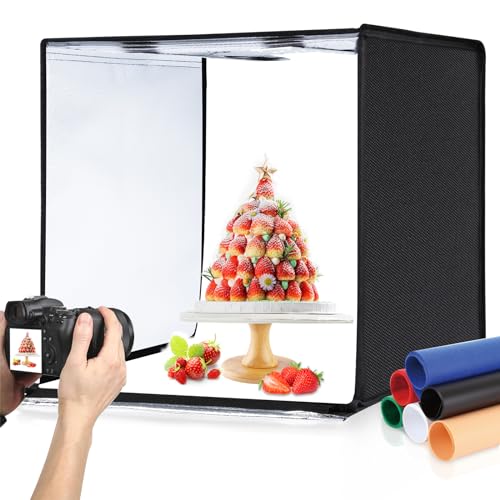
For anything smaller than a shoebox, a lit light box is the single best purchase. It gives you an even, shadow-free white background straight out of camera, which means no cutting out and no fighting with backgrounds later.
Bigger products need soft lights
Once items outgrow a box, move to two softboxes or LED panels: a main light at roughly 45 degrees and a weaker fill on the opposite side to open the shadows. Add a sheet of white board as a bounce and you have a professional-looking setup for very little money.
Backgrounds and turntables
A seamless roll or vinyl sweep gives you a clean, repeatable base. A motorised turntable makes 360-degree spins and short product videos practical — both of which lift conversion on marketplace listings.
Marketplace image rules to shoot for
- Amazon main images: pure white background, product filling around 85% of the frame.
- Square 1:1 crops are the safest aspect ratio across most marketplaces.
- Zoom typically wants at least 1600px on the longest side.
- Shopify and Etsy reward consistent framing across the whole catalogue.
Full details are in our e-commerce image guide.
The workflow after the shoot
Shoot RAW or high-quality JPG, crop square with our image cropper, resize to your platform's spec, then compress to a sensible weight with our compress-to-KB tool. Lighter listing images load faster, and faster listings convert better.
Frequently asked questions
Do I need a camera, or is a phone enough?
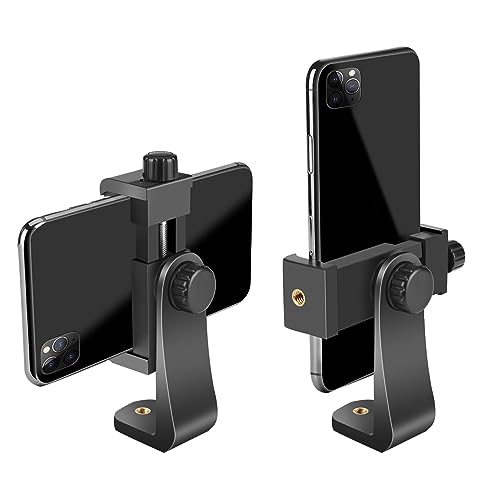
A recent phone shoots excellent product images in good light. Spend your budget on lighting and a backdrop first — they change the result far more than the camera does.
How do I get a pure white background?
Light the background separately or use a lit light box, then lift the exposure slightly. Getting it right in camera is faster than editing every shot.
What size should marketplace product images be?
Aim for at least 1600px on the longest side so zoom works, in a square crop, kept under a few hundred kilobytes so pages stay fast.
JPG or WEBP for product listings?
Marketplaces generally require JPG or PNG. On your own store, WEBP loads faster — our converters handle both directions.
Free tools to go with it