Convert AVIF to PNG with Transparency
Turn .avif images into lossless PNG files that open in every editor and keep their transparent background. Free, batch-capable and entirely in your browser.
Drag & drop images here
or browse files · WEBP, JPG, JFIF, PNG, HEIC, AVIF, TIFF, GIF, BMP
No file size limit · 100% free · No signup required
AVIF to PNG: what the conversion actually does
Converting AVIF to PNG gives you a lossless copy of the decoded image that opens in every editor, design tool and operating system — and, unlike JPG, it keeps transparency. Choose PNG when the AVIF is a logo, icon, cut-out product shot or screenshot, or when it is going into Photoshop, Figma or Canva for more editing.
How to convert AVIF to PNG
- 1Drop your .avif files above — saved from a website, a stock library or a design export.
- 2Leave the output on PNG. There is no quality slider to worry about because PNG is lossless.
- 3Convert and download. Expect the PNG to be several times larger than the AVIF.
Why AVIF files are turning up everywhere
AVIF is the image format built on the AV1 video codec. It is roughly half the size of an equivalent JPEG, supports transparency and HDR, and every major browser displays it — so CDNs and image services such as Cloudflare, Shopify and many WordPress optimisers now hand AVIF to visitors automatically. Right-click and save, and that is what lands on your disk.
The browser was happy with it; the rest of your software may not be. Older Photoshop versions, many Windows installs without the AV1 extension, Microsoft Office, most print services and a long list of upload forms still refuse .avif files.
PNG or JPG: which should an AVIF become?
If the file is a photograph and you just need it to open somewhere, the AVIF to JPG converter will give you a much smaller file. For anything with transparency or crisp graphics, PNG is the right target.
| The AVIF is... | Convert to | Why |
|---|---|---|
| A logo, icon or sticker with a transparent background | PNG | PNG keeps the alpha channel; JPG fills it with white |
| A screenshot, chart or image with text | PNG | Sharp edges and small type stay exact |
| Going into an editor for more work | PNG | No generation loss while you edit |
| An ordinary photo to email, print or upload | JPG | A fraction of the size with no visible difference |
What survives the conversion
Every visible pixel and the full transparency channel carry across. What does not carry across is HDR: AVIF can hold 10- and 12-bit high-dynamic-range images, and the browser tone-maps them to standard range when it draws them, so the PNG is an SDR image. For ordinary web images, which are almost all 8-bit SDR, nothing is lost.
Animated AVIF sequences convert to their first frame, because PNG is a single-image format.
Browser support for decoding AVIF
- Chrome, Edge, Firefox and Opera on desktop and Android: supported.
- Safari 16.4 or later on Mac, iPhone and iPad: supported.
- Older Safari versions cannot decode AVIF, so the conversion will fail there. Update the browser or use Chrome.
Privacy
Nothing is uploaded. The file is decoded and re-encoded by your own browser using the Canvas API, so the image never leaves your device and there is no queue, no size cap and no account.
Three mistakes to avoid
Choosing JPG for a transparent logo
The transparent areas become solid white and the logo will not sit cleanly on a coloured background. Use PNG.
Being surprised by the file size
AVIF is one of the most efficient formats there is and PNG is lossless. A 60 KB AVIF becoming a 600 KB PNG is normal.
Converting on an old iPhone
Safari before version 16.4 cannot read AVIF at all. Update iOS or open the page in another browser first.
Keep reading
Why Choose Our Converter?
Built for speed, privacy, and simplicity. No compromises.
Batch Conversion
Convert hundreds of WEBP images to JPG at once. No file limits.
Quality Control
Fine-tune JPEG quality from 10% to 100% with a simple slider.
ZIP Download
Download all converted files in a single ZIP archive instantly.
100% Private
All processing happens in your browser. No files are uploaded to any server.
Works Everywhere
Mobile, tablet, or desktop — convert images on any device, any browser.
Lightning Fast
Client-side processing means instant conversions with zero waiting.
How It Works
Three simple steps to convert your images.
Upload
Drag & drop your WEBP files or click to browse.
Adjust
Set quality, resize, and other options.
Convert & Download
Click convert and download your JPGs instantly.
Frequently Asked Questions
Everything you need to know about image conversion.
Gear we recommend for this workflow
As an Amazon Associate we earn from qualifying purchases. Affiliate disclosure.
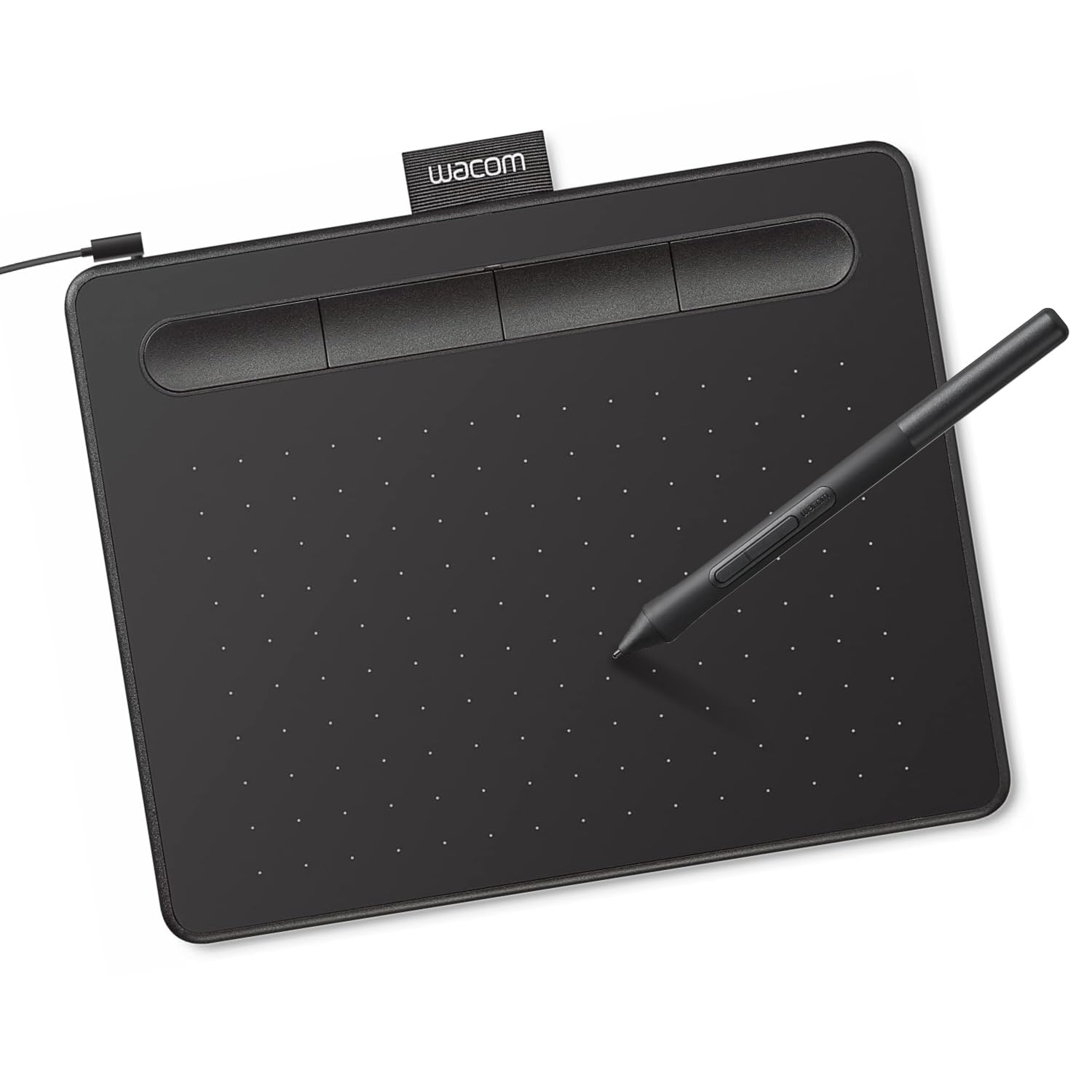
Intuos Small Graphics Drawing Tablet, Includes Training & Software; 4 Customizable ExpressKeys Compatible with Chromebook Mac Android & Windows, Black
Best for precise retouching and illustration
View on Amazon
ASUS ProArt Display 27” 4K HDR Professional Monitor (PA279CRV) - IPS, UHD (3840 x 2160), 99% DCI-P3/Adobe RGB, ΔE < 2, Calman Verified, USB-C PD 96W, DisplayPort, Daisy-Chain, Ergonomic, 3yr Warranty
Best for accurate color when editing photos
View on Amazon
Adobe Photoshop | Photo, Image, and Design Editing Software | 1-Month Subscription with Auto-Renewal, PC/Mac
Best for professional photo editing
View on Amazon
Womier Retro 75% Gaming Keyboard with OLED Display&Knob, M87 Pro Bluetooth 5.1/2.4GHz /USB-C Wireless Mechanical Keyboard with Hot-Swappable Custom Switch, Compact Gamer RGB Keyboard-Grey
Best for design shortcuts and multimedia work
View on AmazonRecommended Tools
Other great tools to complement your image workflow.
Other Free Converters
Free Image Tools
See every utility on the free tools hub.