 Pixel Porter for Chrome
Save any image as JPG, PNG or WebP — right from Chrome's right-click menu
Pixel Porter brings our converters into your browser. Right-click an image, pick a format, and it's in your Downloads folder — converted on your device, never uploaded.
What it does
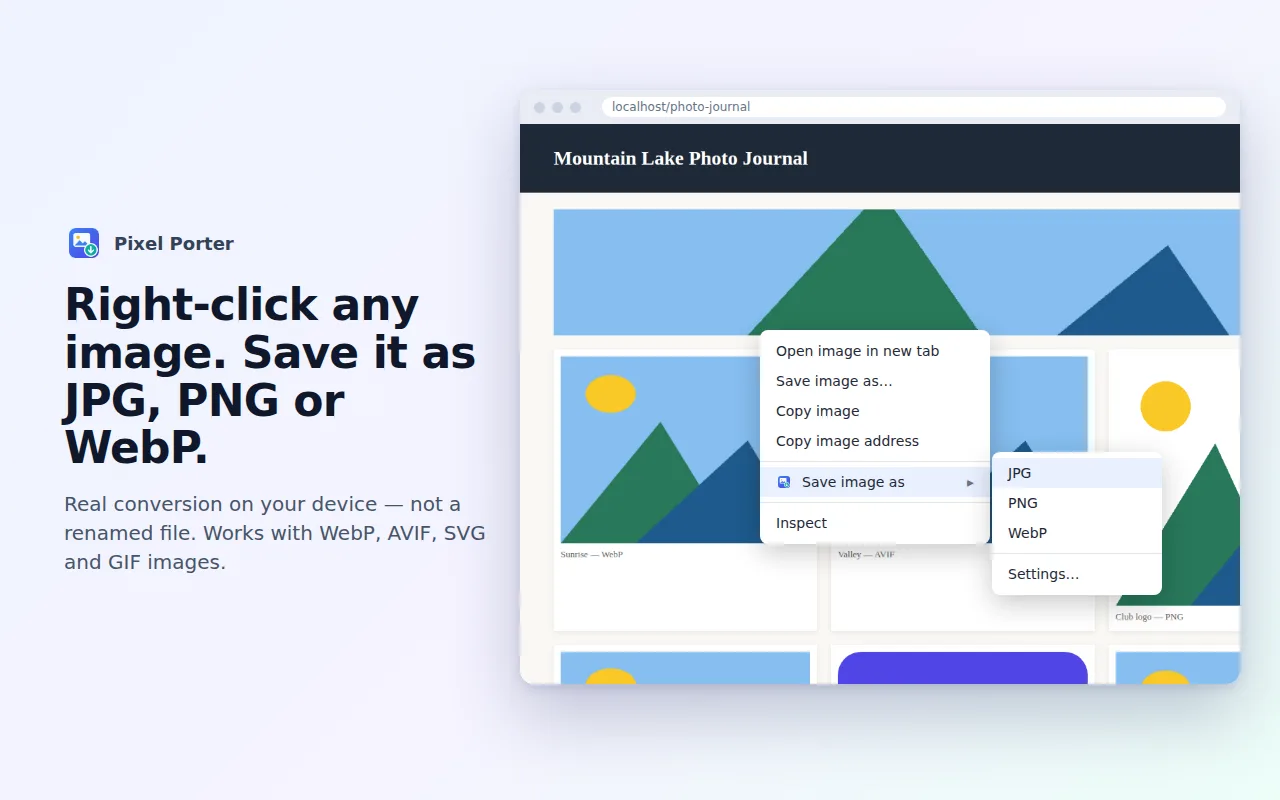
Right-click → JPG, PNG or WebP
Save any image on the web in the format you actually need. WebP, AVIF, SVG, GIF, BMP and ICO images are decoded and re-encoded for real — not renamed.
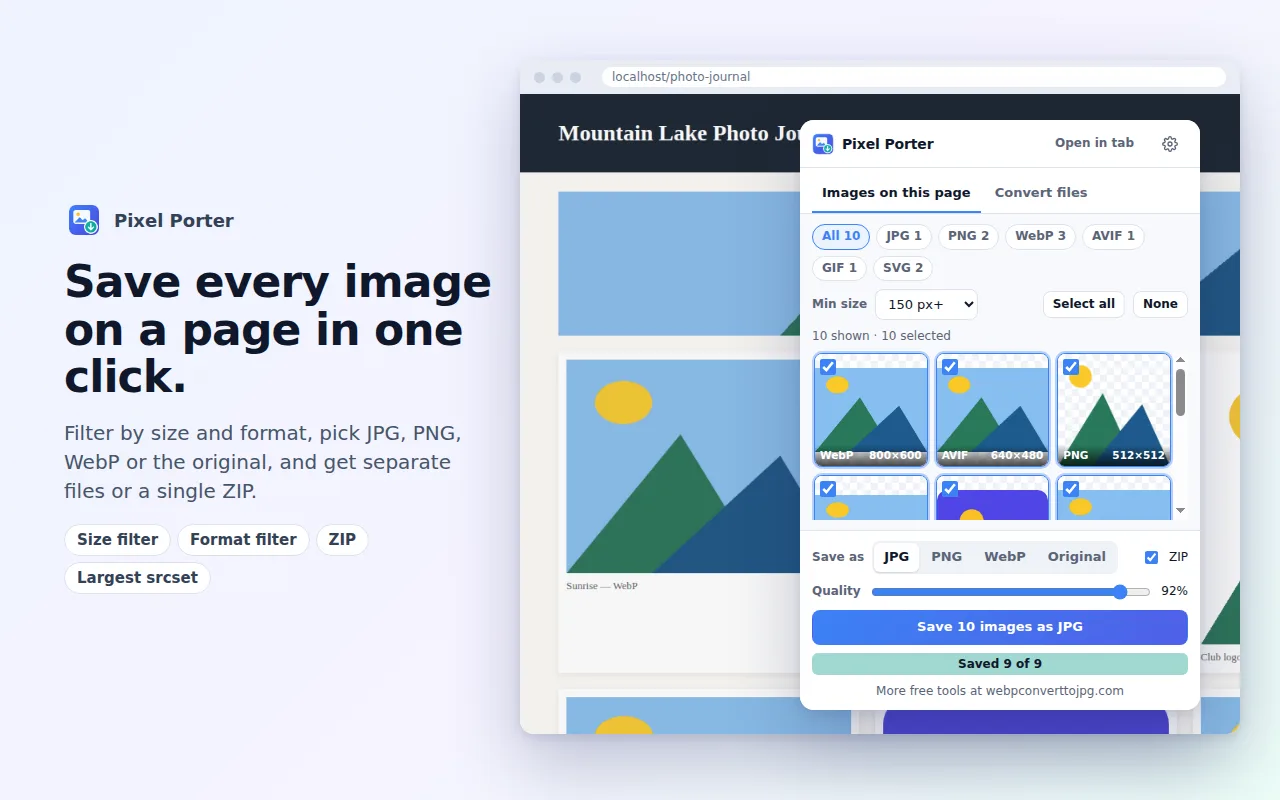
Save every image on a page
The toolbar popup lists all images, including CSS backgrounds, inline SVGs and the largest srcset version. Filter by size and format, then save them as separate files or one ZIP.
HEIC to JPG in Chrome
Drop iPhone HEIC photos, AVIF, WebP or TIFF files into the Convert files tab and get JPG, PNG or WebP back. The HEIC decoder is built in and loads only when you need it.
Your settings, your file names
Quality sliders for JPG and WebP, a background colour for transparent images, a maximum size, sub-folders and naming rules like {domain}-{name}-{w}x{h}.
Private by design
Like everything on webpconverttojpg.com, the extension does the work on your computer. It has no account, no analytics and no ads, and it doesn't read the pages you visit — it only looks at a page after you click its button or right-click an image there.
It installs with the smallest set of permissions it can work with. Access to image hosts is optional and requested one host at a time, only when an image can't be downloaded otherwise. Read the extension privacy policy for the details.
Questions
Is the extension free?
Yes. Every feature described on this page is free, with no account, no ads and no watermark.
Are my images uploaded anywhere?
No. The extension downloads the image from the website that already hosts it and converts it inside your browser, exactly like the converters on this site. Nothing is sent to us.
Why does it sometimes ask to access a website?
Most images can be downloaded straight away. A few image hosts block downloads from extensions; in that case Chrome asks whether to allow that one host. The extension never gets access to all websites unless you switch that on in its settings.
Which browsers does it work in?
Google Chrome 116 or newer, and Chromium-based browsers that install extensions from the Chrome Web Store, such as Microsoft Edge and Brave.